Websites by trade
Boutique hotel website design
Help a guest choose a room, plan a tasting or find a table with the right information before they start booking.
·
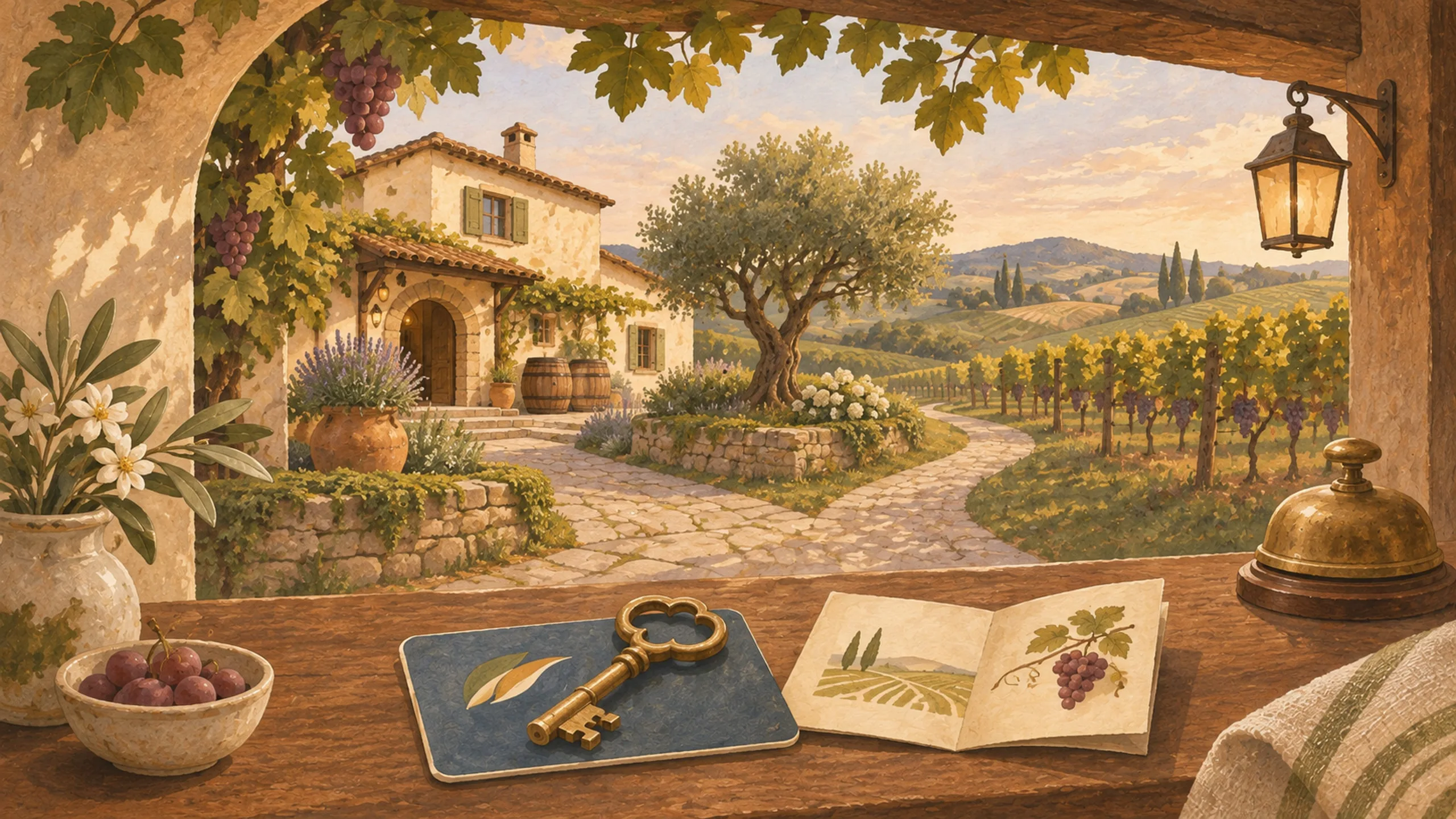
A boutique hotel website design is a combination of the property's character, clear room information and a direct booking route. Use photographs of the actual hotel, show rates and conditions, and let guests check availability on a phone. Plan dining and experiences as supporting routes when the property offers them.
Pick one room or visit and follow the route from the public page to the confirmation.
The ShepherdUX portfolio shows how the studio gives work a specific public route. Use one actual offer to decide which parts of your property site need their own pages.
What should the site help a guest do?
The site should help each guest choose a room, tasting or table and reach the right booking route. Write down the first choice a person makes at each business. A hotel guest needs the right room and date. A visitor at a winery wants a tasting that fits the group and schedule. A restaurant guest may need the menu and a table time. Put those choices into separate routes so a person can tell where the next link goes.
You can use the same site for several offers when the location and staff share it. Give each offer its own page or section and a clear booking destination. A guest can then share a tasting page without sending someone through the rooms first. Let guests return to the main property page and find the address or contact details from either route.
| Offer | What a guest needs before choosing | What the next screen should open |
|---|---|---|
| Hotel room | Beds, capacity, dates, price and conditions | The same room or a clear room chooser |
| Winery visit | Time, duration, group size and what is included | The correct tasting or visit type |
| Restaurant table | Current menu, location and party size | The correct venue and date |
| Remote lodge | Directions, arrival time and a way to reach staff | A confirmed route to booking or contact |
How should a boutique hotel website show its character?
A boutique hotel website should express the property's character through photographs of the actual building, specific descriptions, typography and colour. Show what makes the stay distinct: the courtyard a guest crosses, the view from a named room or the dining space. Describe those details beside the relevant image. Let the homepage introduce the setting, then let room pages show what guests can choose. Keep room names and booking labels consistent when the guest leaves the public site. A change of typeface or colour should never make the next action hard to read or find.
Do I need professional photos for a boutique hotel website?
Use accurate photographs of the actual hotel; commission a photographer when existing images cannot show the rooms, setting and important details clearly. Build a shot list around the choices guests make. Include each room type, bed layout, bathroom, shared space, entrance and any access feature guests need to assess. Show the view from the room it belongs to. Check mobile crops, the parts of an image visible on a narrow screen, so a bed or entrance stays in view. Existing photographs can work when they are clear, current and show the spaces guests will use.
What belongs on the room page?
Show the room name and enough detail to tell it apart from the others. Include sleeping places, guest capacity, access details and what the rate includes. Use photos of the room you name. If there is a choice of view or bed layout, write which parts depend on availability. Put the right image and words next to the room name.
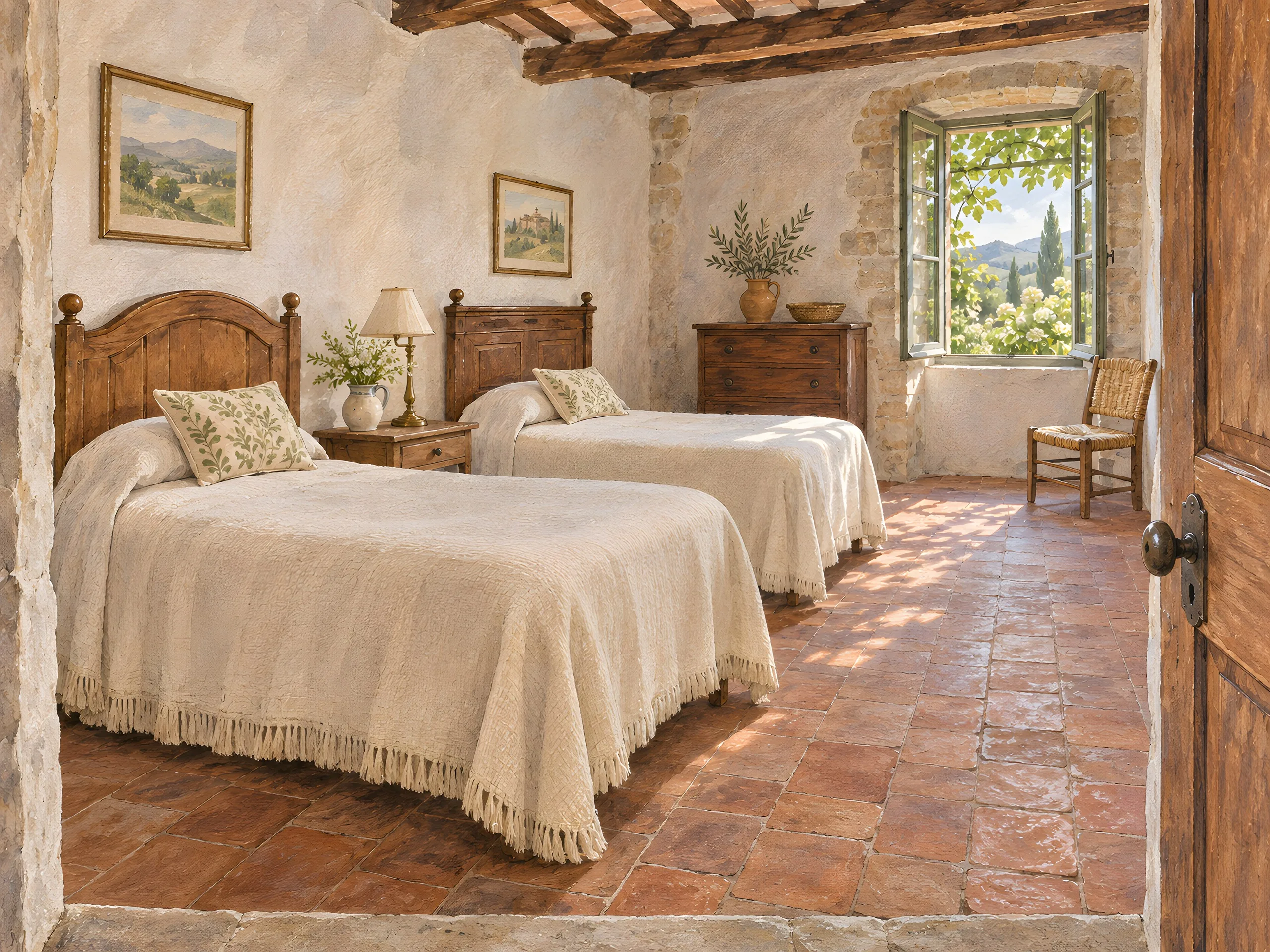
Use a room view that shows the bed layout and the space guests can move through.
A guest may start with a search for the hotel or arrive on a shared room link. Give both routes a way to check dates. If dates are already chosen, try to keep them when the guest moves to the booking tool. Show when a price needs a date before it can be confirmed. Put the contact route near the next action for questions the tool cannot answer.
Show a current rate when dates are known, or a clearly labelled starting price with its conditions when they are not. A nightly rate covers a night; the stay total covers the selected dates. State whether each includes taxes and fees. Give a dated offer its booking window, stay dates and conditions so it cannot be mistaken for the current rate.
Use the hotel desk to check the words. Ask staff which question people repeat after booking. Add that answer near the choice it changes. A parking instruction can sit on the visit page. A room capacity or cancellation detail belongs beside the room and rate where the guest needs it.
Show a staff member the room page with a real set of dates and guests. Ask what would make the result wrong for a family or a person who needs a particular room feature. Put that information beside the first booking choice it affects. Keep the details in the same place after the room is booked.
How should the booking tool fit?
The public page should connect the guest to the correct room and dates, then carry that choice through to confirmation. A booking engine is a tool that shows availability and takes a reservation. It can sit on another site. The public room page should still give the guest enough information to make a choice before they follow the link. Give the engine the date, room and language if it accepts them. Test the route when a detail cannot be carried across.
A boutique hotel can take enquiries without a booking engine, but confirmed online reservations need a system that checks availability and records the booking. A direct booking is made with the hotel rather than through an online travel agency. Check which guest details and booking changes staff can manage in the chosen system. Record provider and payment fees before comparing costs.
The crossing joins two parts of the same route. Check the room, dates, guests and conditions on both sides of the booking link.
The Google hotel price documentation gives a separate example of a system handling hotel prices and availability. If you use a feed (an automatic transfer of information between systems) or booking provider, record which tool supplies the current price and availability. Give a staff member a way to see when the public page and system disagree.
Compare the same room, stay dates, number of guests, currency and rate conditions across the room page and the booking engine. Read the nightly amount and the total for the stay separately. Check which taxes and fees each display includes. A refundable room and an advance purchase offer can have different prices for the same nights. Give each one its own description and verify the price and cancellation terms on the confirmation.
Use a test booking to check the whole route before launch. Check what the guest receives and what the property sees. Try an unavailable date and a group the room cannot hold. Record where the guest can ask for help or change a booking. The test should include the phone a guest is likely to use.
What does a tasting page need?
Name the tasting before the booking button. Tell the visitor where to go, how long it takes, which dates are offered and what the price includes. Put group size, accessibility information and any conditions next to the action. The person who runs the tasting can confirm those details before they go online.
The winery website design guide tests a separate tasting and bottle route from one estate page.
A bottle order has a different destination. It needs a product, a price, delivery or pickup and a way to see the order. Give that path its own label so a visitor knows when they are booking a visit and when they are buying bottles. Check with the people responsible for each system before combining the offers on one page.
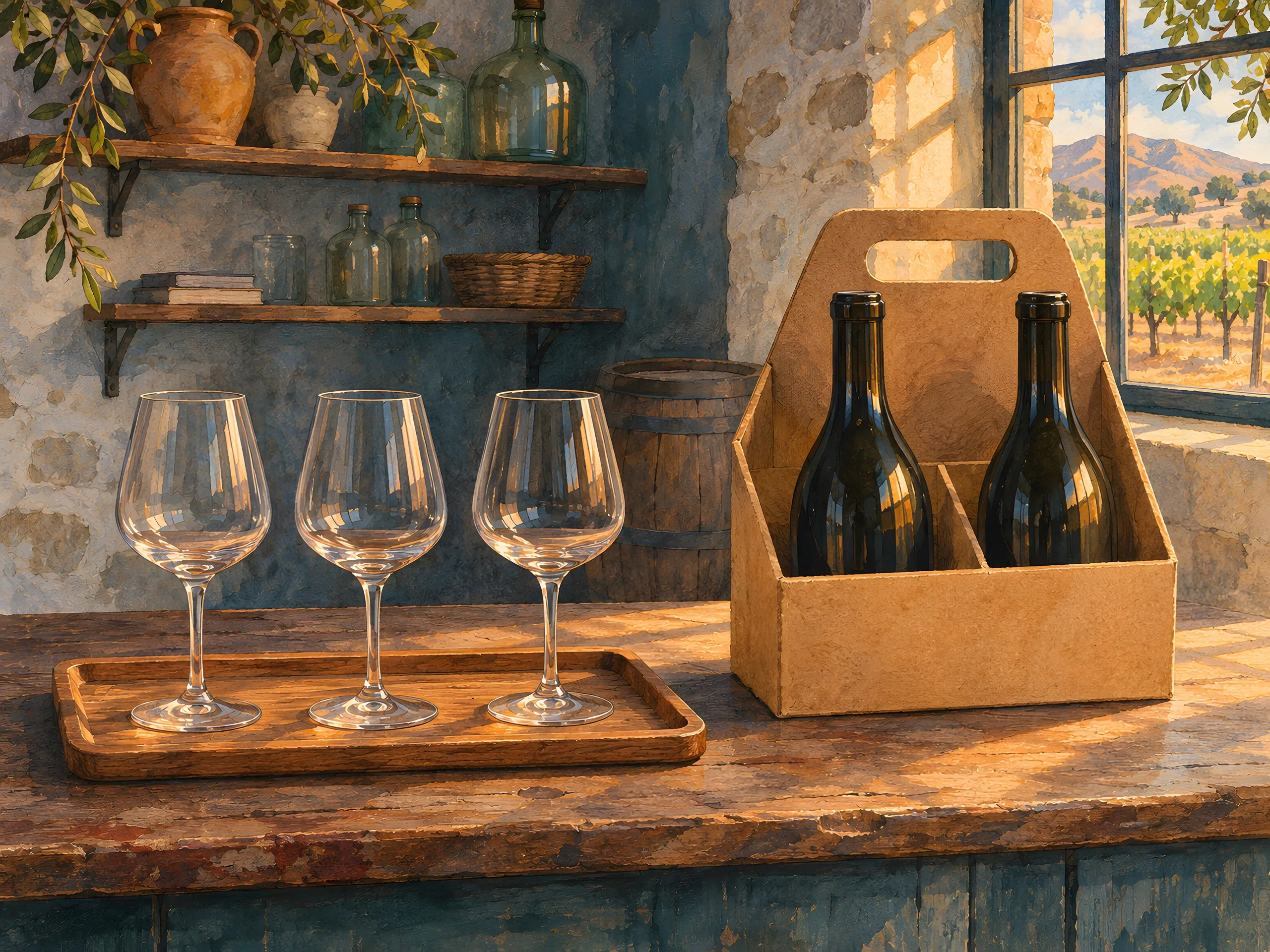
Give the tasting its own booking and the bottle order its own pickup or delivery choice.
Put the two routes into a real phone view. Open the tasting from the home page, choose a time and check the confirmation. Then find the product route from the same starting point. Make sure both routes use their own words and that a shared image does not make two different links look like the same action.
What does a restaurant page need?
Give a visitor a menu they can read on a phone, an address and a way to check a table. If you provide a file for printing, give the public page enough readable text to decide first. Show which dates or times the menu covers. Let the person who changes it know which page, file and booking information they need to update.
At a property with more than one restaurant, name the venue on the page and on the booking route. Test the path using the exact name a visitor sees. Show when a table can be requested by phone and when the tool can confirm it. Record the difference in the confirmation words as well.
Follow the menu, table or tasting link with someone from the front desk. Ask them where they would send a guest who has a question about a date, a group or an entrance.
How should a guest find the place?
Put the real arrival address on the public page and confirmation. A visitor may need a parking gate, a separate entrance or a meeting point away from the mailing address. Give the short version in text. A map can add detail when the person has a connection. Test the instructions with someone who does not already know the way.
A remote stay can use a short set of directions a guest can save. Put the address, arrival time and contact details in the booking confirmation too. Ask who checks seasonal road instructions and which staff contact guests after a change.
For a late arrival, write the place a guest waits and the number they should use. Ask the person who covers that shift to check it. Make sure the address in the confirmation matches the one staff give out by phone. The website design by trade guide shows how arrival and booking tasks change with the kind of place.
If a different entrance is used after dark, give the guest a landmark in the confirmation. For the inn drawn here, the direction would be to take the stone path from the courtyard gate to the door beside the lantern.
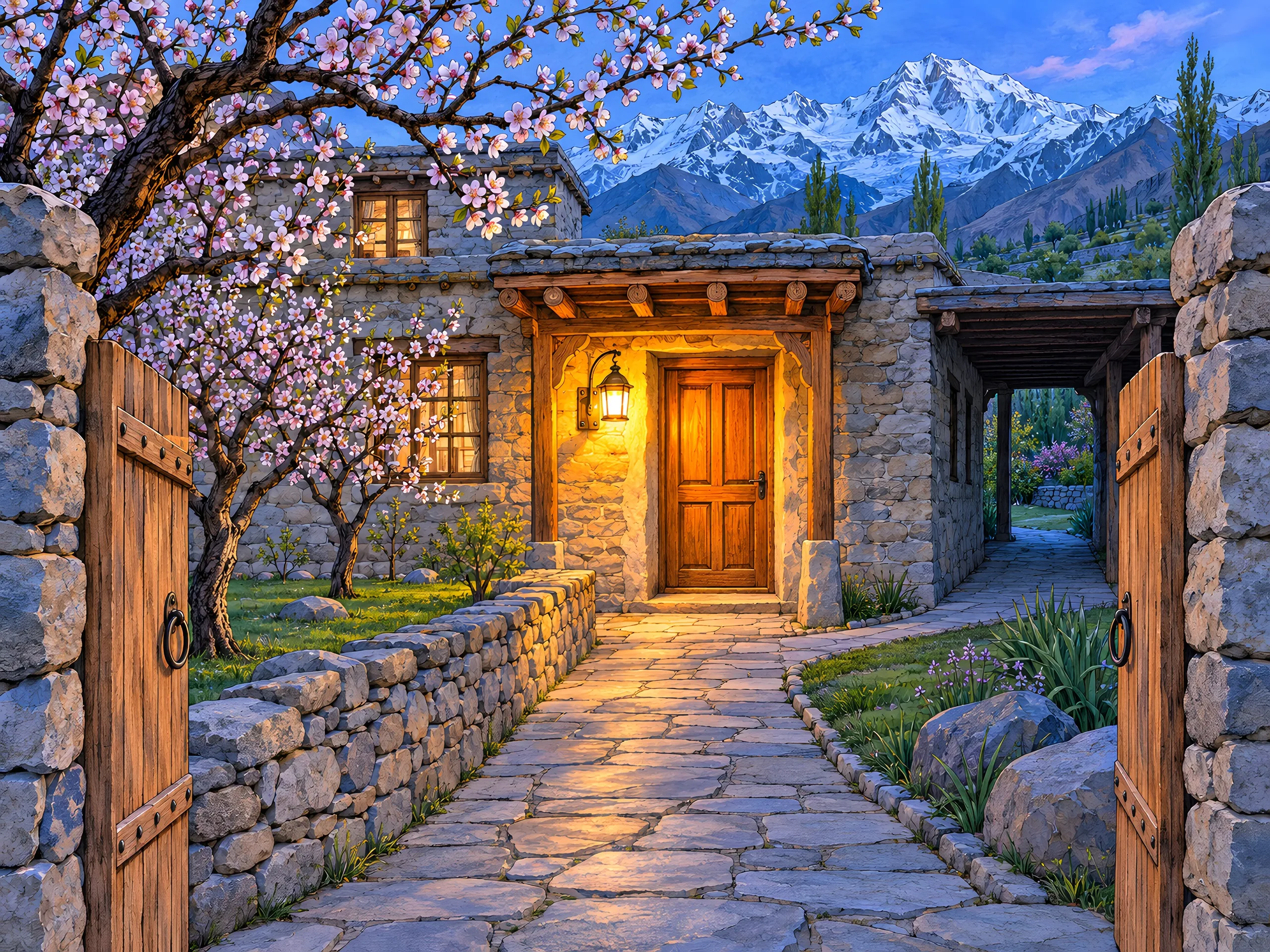
The lantern gives late arrivals a door to look for.
The W3C writing guidance gives a direct rule for links that works for arrival and booking. Give the link a name that identifies the action and the place. A guest should be able to tell where it leads before opening it.
"Make link text meaningful"
See W3C writing for web accessibility for this guidance.
What did the search sample show?
The internal hospitality search sample contains 87 stay queries, 49 dining queries, three wine queries and one other. ShepherdUX grouped the saved hospitality search phrases on 12 November 2026 using the matching order described below.
Winery or vineyard matched first. Hotel, lodge or resort came next. Restaurant or menu matched after that. The remaining terms had their own group.
The stay group is the largest under this rule. The row for boutique hotel website design was seen in 22 markets in the saved sample. That measures where the phrase appeared in the sample. The property can use its own booking and enquiry records to learn what guests need.
Use the same idea on the site you run. Look at what people ask before making a booking, where they come in and what they look for next. Write the answer on the page closest to the booking. Record the terms for the specific location and offer instead of asking every guest to start at the home page.
How much does a boutique hotel website cost?
The ShepherdUX website service, checked 12 November 2026, lists a five-page custom website from USD 4,800. That is the studio's starting scope. Give the builder one room, one experience or one restaurant to test. Describe where the details live, which bookings you take and who will confirm the result. The website service also lists optional care at USD 150 a month. Booking work needs the actual tool and route before it can be quoted.
| Part of the job | Cost basis | Detail to give the builder |
|---|---|---|
| Small custom site | From USD 4,800 at ShepherdUX | Current pages, copy, photos and offers |
| Booking tool connection | Scope after a test | Dates, confirmation, ownership and support |
| Extra rooms, menus or languages | Quote the extra work | Number of layouts and records, translation and ongoing language updates |
| Optional care | USD 150 per month at ShepherdUX | Changes, renewals and staff access |
Ask the supplier to say which pages and records their quote covers. List the room types, venues and offers you already have. If a new menu or room type arrives every season, ask how a staff member adds it. Show one example that needs a short update and another that needs a full new page.
The hotel may pay its booking provider, map service or translation partner separately. Put those bills beside the work the website quote covers. Record who can reach each account and which agreement governs any later fee. The yearly website cost guide shows how to keep the one-time and repeating lines in the budget.
How should you run the work?
Include the public page text and the booking system in the first working version of the site. A designer can use one photo and a draft to test the layout. The property can check what the guest sees and whether the system has the right choice and date. Share the result with the staff who take calls or run visits.
Test the room gallery and booking engine on mobile data, check image loading and readable controls, and confirm that guests can recover from an unavailable date.
Choose a booking route.
Name the room, tasting or table. Record the page the guest opens and what the confirmation should say.
Make the first page and link work.
Use the actual room or event description and test the path to the booking tool on a phone.
Check the guest and staff views.
Use a test reservation to check the guest message and the record the team sees. Try a case without availability.
Give the owner an update check.
Show a staff member where to change an opening time, room detail or booking link. Have them make a sample change.
Include hotel SEO, or search engine optimisation, in the handover checklist: descriptive room titles, precise location information and maintained language versions.
Use one actual offer to decide which parts of your property site need their own pages.
When is a smaller change enough?
Keep the existing site when the main trouble is a wrong room link, stale opening time or missing menu. Update the information and test the full path before deciding to replace the whole site. Use the booking tool your staff already understand if it can handle the choices and show the right confirmations.
Check the price and booking conditions with the property before sending guests to a new link. A public room page cannot fix a date or price the booking tool has wrong.
A fuller project can make sense when staff have no way to update the offers or guests cannot reach the booking page. It can also make sense when the site has several locations that are hard to tell apart. Give each problem a test. The result tells you what to pay for first.
If staff already record bookings well, ask them which page gives guests the most trouble. A small fix can put the right room or arrival information next to the existing link. Read the booking result after the change and keep a note of what the front desk needs to update later. Give staff a place to put a temporary change before the next high season. Check the same details in the guest confirmation and on the public page.
What else should the brief answer?
The brief still needs the page list, booking arrangements, seasonal updates, budget and phone checks below.
What pages does a boutique hotel need?
Start with a homepage, room-type pages, the hotel's story, a gallery, location and arrival details, contact information and a route to check availability. Add dining or experiences if guests can use them.
Can the booking tool be separate?
A separate tool can work. Put the correct link beside the room or experience and test the dates, guest count, rate conditions and confirmation.
Should a winery combine tours and bottles?
Keep both offers easy to find. Give the tasting and product order their own words, pages or links and confirmation.
How do you show seasonal hours?
Give the current hours a public place and assign someone to update them. Put specific changes beside the affected dates.
How much does a boutique hotel site cost?
The studio's small custom build starts at USD 4,800. Price the booking tool, extra records, copy and other requirements from the actual scope.
What should you check on a phone?
Open the room or visit, select a date, check the terms and follow the booking path. Verify the contact and arrival instructions too.
Sources
- ShepherdUX hospitality query slice, counted on 12 November 2026. The saved search terms are grouped by the exact words described in the article.
- Google hotel price transaction documentation, checked 12 November 2026.
- W3C writing for web accessibility, checked 12 November 2026.
- ShepherdUX public website scope and price, checked 12 November 2026.