Design and build
How a website is designed
What happens in each step of the web design process, from deciding what the site needs to handing it over.
·

The web design process at ShepherdUX is four steps: the brief, the brand, the interface (the screens people use) and the build. Each produces what the next uses: a written brief, brand rules, the reader's path and screens, then content blocks an editor places. Changing earlier decisions later can require paid rework.
If you read drawings for a living, the sequence will feel familiar: a slab is poured once the plan is signed, and not before. A website follows the same discipline. The rule: sign off each step in writing before the next one starts, and ask what leaves the studio at the end of it.
Why does the order of the steps matter?
Each step settles decisions the next step needs, so changing the order can mean redoing work. A brief asks for work. The proposal says which work the studio will do and how you will approve it. Use the website redesign proposal checklist when the scope or handover still needs a clear answer.
Framer's guide names nine stages, each ending with a deliverable. It names a finished sitemap, a list of the site's pages and their organisation, plus wireframes, a design system, a working prototype and the launched site. Wireframes are layout sketches; a design system holds reusable rules and parts; a prototype models how the site works.
This studio runs four steps and treats the hand-over as the output of each. The tools change from job to job. The order holds, because each step decides something the next would otherwise guess.
Write the brief
Who the site is for, and what each kind of page has to do. It leaves as a written quote naming the scope.
Fix the brand
The type, the colours and the drawn marks. It leaves as files and a short guide someone else can follow.
Draw the interface
Draw the reader's path first, then the screens that carry it. This step produces drawings and, where it helps, a working front end, the part of the website visitors see and use.
Build it in blocks
The screens turned into blocks an editor can place. It leaves as the code, your accounts and a written guide.
The table shows what each step hands over and how often it runs.
| Step | What leaves the studio | What it decides | How often it runs |
|---|---|---|---|
| Brief | a written brief and a fixed quote | the reader, and the one job of each page | once, at the start |
| Brand | the marks, typefaces, colours and a short guide | how everything looks, so nothing is argued twice | once, then again only when the business changes |
| Interface | the path, the screens and every state | the order things are read and done in | once for each kind of page |
| Build | the blocks, the code, the accounts and a guide | what an editor can change without a developer | once, then every new page reuses the blocks |
What does a brief have to say?
A brief must name the reader and each page's job in words a stranger could act on. Start with a website brief template if the work is still being defined. Give the studio the first task, the pages and the person who will approve them. If a board or a public buyer needs to compare written replies, decide on the process first. Website redesign RFP or brief shows the two ways to share the same scope. Everything is judged against the brief, so twelve goals leave every later choice open.
If the brief is for an author, use the ten author website examples to choose one task readers should be able to do on a phone.
If you publish books or music, the author and musician website guide lists the release, event and contact details that belong in your brief.
For an existing site, list the pages and actions to keep so the redesign brief has something the team can check.
At ShepherdUX the brief starts as one sentence on the brief form: the site you want, roughly when, and the address of any site you have now. A written reply follows, usually within a day. Next comes a thirty-minute call, then a fixed quote. The quote names the scope, what is left out and the payment stages, as the websites page sets them out. The quote is the brief written down by both sides, and it is the first thing that leaves the studio.

One cairn at a fork in the path. A brief does the same work for a site: it marks the one way the reader is meant to go.
A good brief names a reader as a person rather than a segment: a parent booking a first swimming lesson, a facilities manager comparing three quotes. It names the one thing each kind of page must get done. It also lists the words and pictures that already exist and the old addresses that still bring visitors. The date must be real rather than hoped for. A brief that points at a competitor's site as the model has described a look, and a look belongs to the next step.
What does the brand step actually fix?
The brand step fixes the type, the colours and the drawn marks before any screen exists, so the interface never has to argue about them. It ends in files and a short guide that a printer, a developer or next year's new hire can use without asking anyone.
At ShepherdUX the mark starts in pencil, as four or five rough routes on paper. The chosen route is redrawn as clean vectors, shapes that stay sharp at any size. It is tested at signage size and at the size of a browser tab icon, as brand identity design describes. Hiring a brand identity designer sets out what that hand-over should hold and who owns it. What a brand identity contains takes the brand step apart.
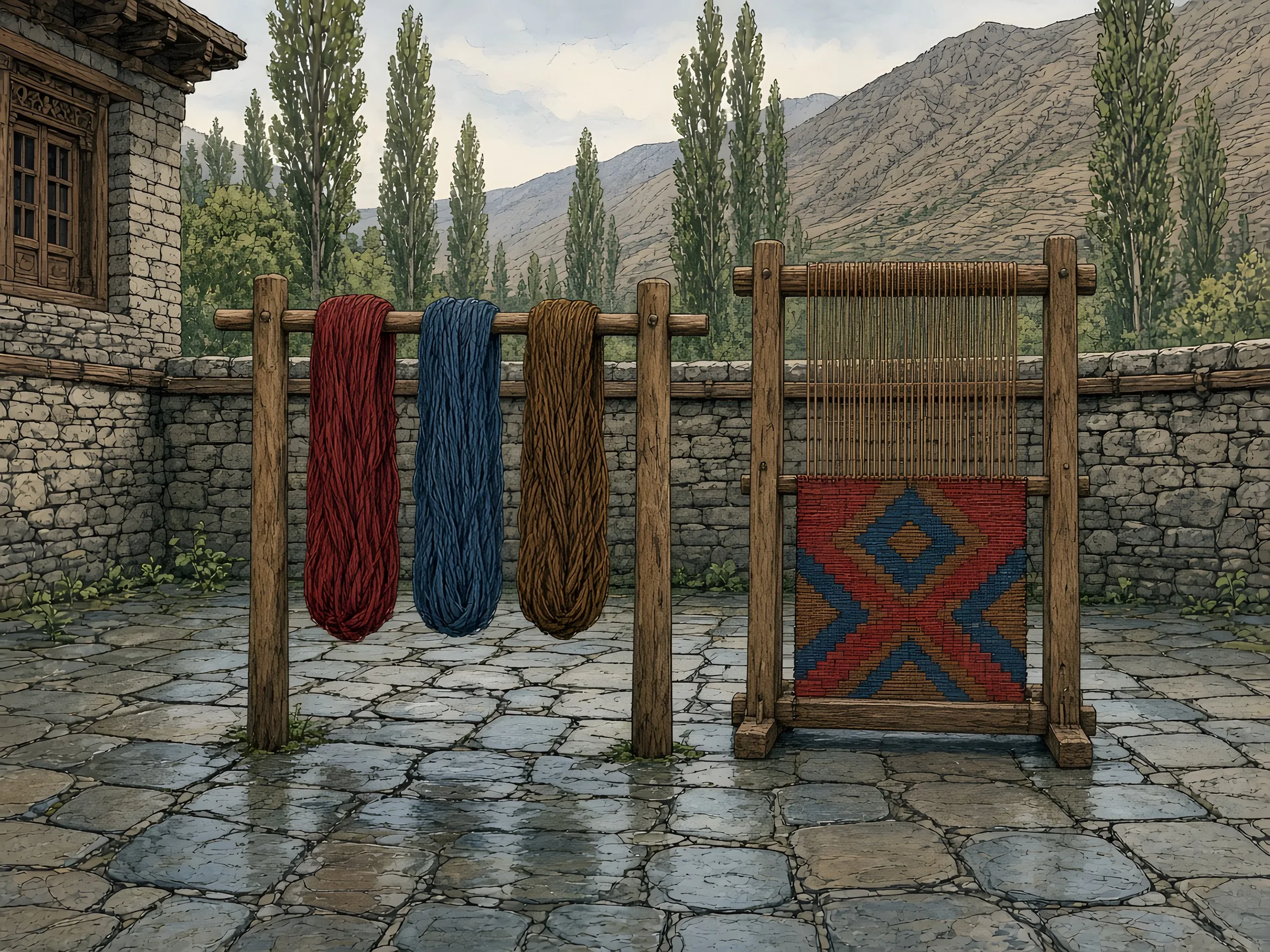
Three skeins dyed before the weaving starts. Every row of the rug draws on them, which is what a fixed palette does for every screen.
Colour is where a late brand costs most. WCAG 2.1, the W3C's accessibility standard, defines level AA, a set of accessibility requirements. At this level, ordinary text needs a contrast ratio of at least 4.5:1 against its background. This ratio measures the difference in brightness between text and background. When the palette arrives after the templates, the first contrast check at the build sends the colours back, and every screen drawn in them goes back too. This site's own design rule sets its text at the 7:1 of the enhanced level, and I set that rule after the pages existed. Bringing them up to it meant finding one light gold written five slightly different ways across eleven files and folding it back into one colour.
If your organisation cannot yet answer questions about the brand, such as who it speaks to and what it should avoid looking like, skip the brand step for now. Spend that money on the writing, and come back to the mark when you have the answers.
Why is the interface drawn as a path first?
The reader's path determines which screens are needed, so the interface starts with a drawing of that path. It shows how someone arrives, reads and acts. At ShepherdUX the first thing drawn on most jobs is that path, settled in writing before any screen, as UI and UX design puts it. Website design examples by trade shows how that first job varies by trade.
The storytelling website examples show where a set route helps and where people need a way to choose a starting point.
For the route through a form or app, the UX design process shows what to draw and test before a developer builds it.
If a drawing needs to explain part of the route, illustrated website design shows how to try one section before you build the rest.
Use what website copywriting covers to give each heading, button and form message a job as you draw the path.
Accessibility lands at this drawing, not at launch. The keyboard path through a page, the order in which focus moves and what a screen reader announces are decisions about the path. Here each one costs a line on a drawing. This studio builds every website to WCAG 2.1 level AA.
WCAG 2.2, a W3C Recommendation since 5 October 2023, "provides 9 additional success criteria since WCAG 2.1". Two address minimum clickable areas, with exceptions, and keeping keyboard focus from being entirely hidden by author-created content. You can set both on the drawing and check them again on the built page.
Where it helps, the interface leaves the studio as a working front end rather than a picture of one. A coded page shows how the layout rearranges itself on a narrow phone and how it reads with the keyboard alone. It also shows how long a real headline runs before it breaks a line. A picture cannot show these behaviours.
What is handed over at the end of the build?
The build hands over the site as content blocks an editor can place, with the code, the accounts and a written guide to how it works. A site built as one-off layouts sends its owner back to a developer for every new page. A site built in blocks lets the owner make the next page from parts the studio has already built and tested. After launch, use the free technical SEO audit, a check for technical problems that affect search visibility, on a page a customer needs. Check that the link opens the same address the site lists in its sitemap.
Use the website design system and handover guide to find the files and test one page with your own editor.
The web design best practices checklist gives you a way to check the actual page before the handover.
The websites page lists the launch hand-over: your accounts, your code, analytics, Search Console, training and a written guide. Search Console is Google's free report on how people find a site. It is handed over in your name at launch. Its history therefore stays with you whoever builds the next version.

Stones cut and sorted before the wall goes up. Whoever lays the next course takes from the piles, the way an editor builds the next page from blocks.
This journal is built the same way, and it is the build this studio can show in full. Its editor, the Shepherd Panel, places eighteen blocks: a summary, steps, a figure, a table of contents, questions and answers, a callout, a button, a gallery, video, audio, columns, stats, a testimonial, related reading, share links, social links, a form and a guarded HTML block for drawn charts. HTML is the code that structures a web page.
Four more blocks exist in the journal's framework and not yet in code: a key-facts list, a definition, a sourced fact and a quotation. Until these blocks are built, each journal entry uses manually written substitutes. These substitutes lack the markup, code labels describing the content, that a search engine would read from the blocks. That gap is mine to close, and a hand-over list should name a gap like it.
How long does each step take?
ShepherdUX quotes time with the scope, after the call. For a redesign, use the website redesign timeline to put the existing pages, content and approvals on one schedule. One developer gives a sample budget for a custom WordPress project. Bill Erickson, a WordPress developer, budgets a discovery phase of 3 weeks, a design phase of 6 weeks, a development phase of 3 weeks and 2 weeks for changes.
On those figures, Erickson writes that "A typical website will take 14 weeks at a minimum from start to launch." His page was last updated in March 2019, so use these timings as an example of how the phases compare, rather than a quote. He names the usual cause of delay, too: "It could take much longer if you wait until the end to start writing content."
Two things can stretch the schedule even on a small site. The first is how fast decisions come back. The brand work waits for the signed brief. The second is the words. A step that waits on unstarted writing waits as long as the writing does.
What goes wrong when steps run out of order?
Late decisions can mean paying to redo work. Check the brand, the page copy and accessibility before the build.
- The brand after the screens. Every screen is redrawn in the new type and colours, and the contrast check runs again on all of them.
- The words after the build. The blocks were sized for text still unwritten, and the real text breaks them: a heading runs to three lines, a card grows a scroll bar.
- Accessibility at launch. A keyboard path through a finished page means changing code, where at the interface step it meant changing a drawing.
Kara Pernice of Nielsen Norman Group explains why a rough prototype, an early model used for testing, is cheaper to change than working code. Test the page on paper before building it.
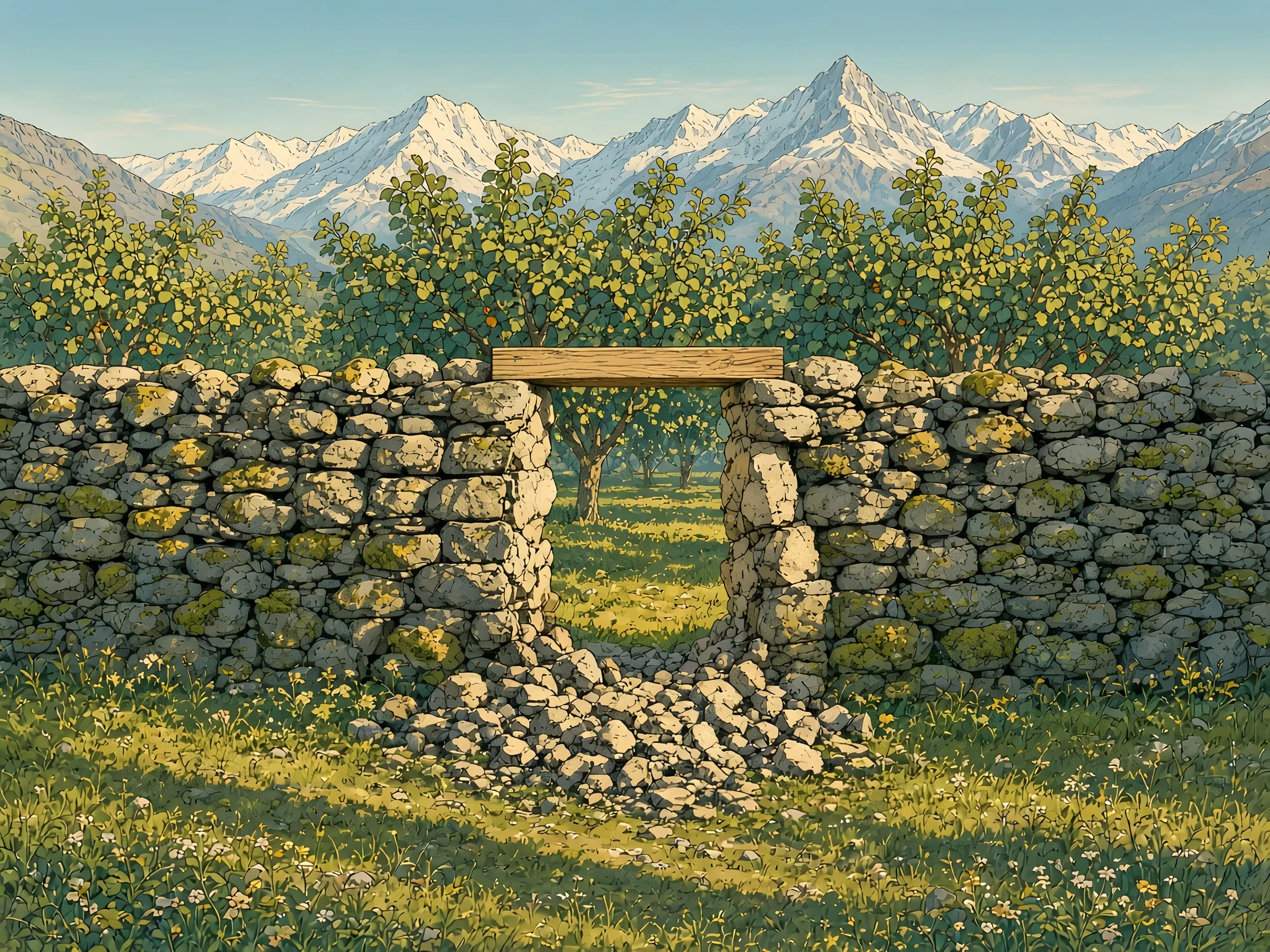
A doorway broken into a wall after it was finished. Drawn in at the start it would have cost one gap in a course of stones.
If your logo and colours already work on screen, write down how to use them before drawing the pages. That can save a separate brand project. One rebrand, worked through shows that case on this studio's own identity.
What design work costs gives a minimum price for each of these steps. How to choose a web studio gives the questions that show whether a studio works in this order.
What are the steps of the web design process?
Four, in this order: the brief, the brand, the interface and the build. The brief names the reader and each page's job. The brand fixes type and colour. The interface draws the reader's path and its screens. The build turns those screens into blocks an editor can place. Each step is signed off before the next begins.
How long does it take to design a website?
One developer's sample budget puts a custom WordPress site at fourteen weeks at the least from start to launch, with design the longest phase. ShepherdUX quotes the time with the scope, after the first call. The usual delay is the writing, when it starts after the design.
What should a website brief include?
The reader, named as a person, and the one thing each kind of page has to do. Add the words and pictures that already exist, the old addresses that still bring visitors, and a real deadline. Leave the look to the brand step.
Do I need a brand identity before a website?
You need the type and colours fixed before the first screen is drawn, and a logo if you have none. If a logo and palette already exist and pass the contrast check, writing down their rules is enough. A full identity can come later, once the business can answer questions about it.
When should accessibility be checked on a new website?
At the interface step, on the drawings, and again at the build. The keyboard path, the focus order and target sizes cost a line on a drawing and a rebuild on a finished page. Checking only at launch finds the problems when they are most expensive to fix.
What do I own at the end of a web design project?
At ShepherdUX you own your accounts, your code, the analytics and Search Console from launch, with a written guide to how the site works. The brand files and their rights transfer to you on final payment. Typeface licences are bought in your own name, so they stay valid whoever works on the site next.
Sources
- The web design process in 9 steps, Framer Team, framer.com, published 24 October 2025, read 11 November 2026
- Web Content Accessibility Guidelines (WCAG) 2.1, contrast minimum and contrast enhanced, W3C, w3.org, read 11 November 2026
- What's New in WCAG 2.2, W3C Web Accessibility Initiative, w3.org, updated 5 October 2023, read 11 November 2026
- UX Prototypes: Low Fidelity vs. High Fidelity, Kara Pernice, Nielsen Norman Group, nngroup.com, 18 December 2016, read 11 November 2026
- How long does it take to build a website?, Bill Erickson, billerickson.net, updated 5 March 2019, read 11 November 2026