How this site is made
The PHP panel that writes files
How this Journal's PHP panel publishes entries as files, how Grav, Kirby, Statamic and Git editors compare, and when to build your own.

The panel behind this Journal is a headless CMS in PHP, a content management system with no public design of its own, yet a reader who opens a published entry runs no PHP. PHP renders the page once, at publication, and writes it to disk as a file the web server sends to every reader. This entry traces how, sets the panel beside the ready-made PHP systems, and says when a small panel is the wrong choice.
Choose a content system by who edits and how often, then check that the public page is a file you could copy elsewhere.
A headless CMS is a content management system that stores and edits content and leaves the public pages to another tool, often through an API. That tool might be a static site generator, which creates page files, or a front-end framework, which provides code for building the public interface. The word "headless" means the editing side has no fixed public design of its own.
The PHP options a builder weighs
Flat-file systems keep content as files and render pages in PHP: "There is no database needed," says Grav's requirements page. Kirby stores content in text files, and Statamic's core concepts say it "operates in flat file mode by default".
Git-based editors keep content in Git, the version-control tool. Decap CMS keeps content "in your Git repository alongside your code", and Sveltia CMS reads and writes only files in the repository. A host set to build on each commit then rebuilds the site.
Headless WordPress sends its content out as JSON, a text format for data, through the REST API. Astro's WordPress guide fetches it when the site is built. Cockpit is a PHP content platform built for that pattern, on PHP 8.3 or later with SQLite or MongoDB; its API documentation offers REST and GraphQL playgrounds.
| Option | Content lives in | Public pages | Licence for one public site | Lowest PHP |
|---|---|---|---|---|
| Grav | plain text files | rendered in PHP on request | MIT, free | 8.3.11 (Grav 2) |
| Kirby | text files | rendered in PHP; static export by a third-party plugin | paid licence per site | 8.2 |
| Statamic | flat files by default | rendered in PHP, or static with its SSG package | Core free; Pro paid per site | 8.3 |
| Decap CMS | the Git repository | built by a host set to rebuild on each commit | open source, free | runs in the browser |
| Sveltia CMS | the Git repository | built by a host set to rebuild on each commit | open source, free | runs in the browser |
| This Journal's panel | MySQL rows with Markdown bodies | static HTML files written on publish | the studio's own code | 8.4 |
Grav is MIT-licensed. Statamic's pricing page lists Core as free and Pro as paid per site, and its requirements ask for PHP 8.3. Kirby needs a paid licence for a public site; its requirements list PHP 8.2 to 8.5.
What the PHP panel stores
The Journal's panel is ShepherdUX's own content system, written in PHP 8.4 for a shared hosting plan. It keeps accounts, entries, tags and media in MySQL, a database system, with SQLite standing in during local testing. An entry's body is Markdown, plain text with symbols that mark headings, links and other formatting.
Blocks such as this page's summary use container directives, markers like :::faq that tell the renderer which block to draw, and the renderer supports 18 of them. There is no Composer. The one outside library, the Parsedown Markdown parser, is a single file kept in the repository, patched for PHP 8.4 and run in safe mode, so raw HTML in an entry appears as text.
The source is 33 PHP files and 12,292 lines, measured on this site on 15 November 2026. The largest file is the public site module, which turns entries into pages, archives and feeds; the block renderer and media handling come next. Sign-in asks for a second factor beyond the password, backups are encrypted, and forms limit how often anyone can submit them. All of it runs on the admin side, and none of it on a public page.
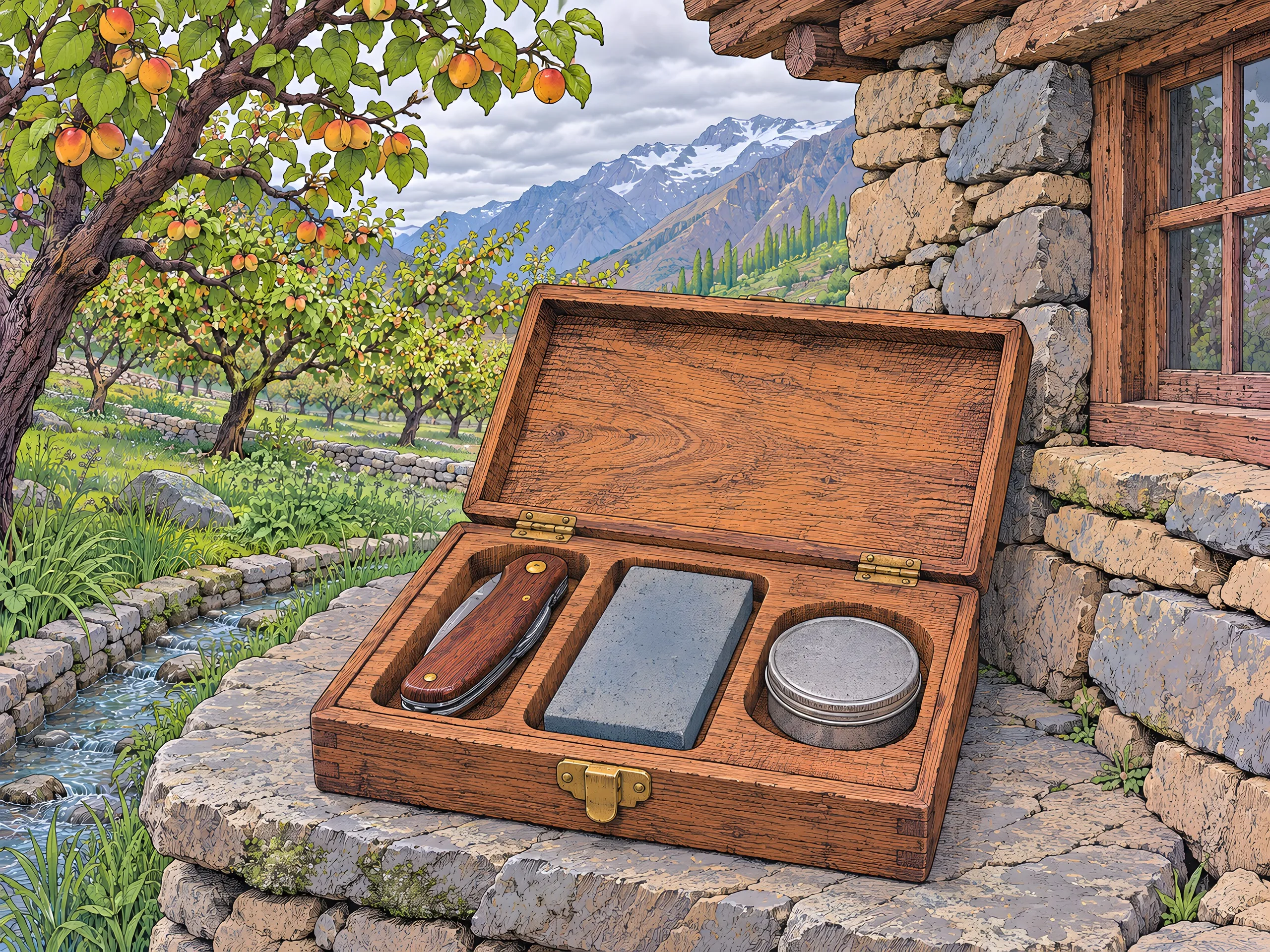
The whole kit fits in one case. Choose a small panel only when one team can maintain every part.
What a publish writes
Publishing writes a complete HTML page to journal/<slug>/index.html in five steps, and only the last one involves a reader.
Write the entry as a file.
An entry starts as
content/journal/<slug>.md, with YAML frontmatter, settings written in a format that uses named fields, followed by Markdown. The importer accepts 15 frontmatter keys and stops on any other, naming it, so a misspelt key cannot drop a field without anyone noticing.Import it into the panel.
The import script reads the file, checks it, copies the pictures beside it into the media library and writes the entry's row. A dry run reads and reports without writing anything.
Render it once.
On publish, the baker, the code that creates page files, converts the Markdown through the same function the panel's preview uses. It wraps the result in a page shell, a reusable page template, taken from the Astro build. Astro is the tool that builds the main site, so the Journal shares that site's design.
Write the page to disk.
The baker writes
journal/<slug>/index.htmlunder the web root as a temporary file in the same folder, then renames it over the old page. A reader mid-publish gets the old page or the new one, and a crash leaves the old page whole.Let the server find the file.
Apache, the web server software, checks for an existing file first, with
RewriteCond %{REQUEST_FILENAME} -f. A baked entry matches and requires no PHP. Any other address passes to the panel's router, the code that decides how to handle the request.
The shell has ten slots for supplied content, with rules set out at the top of the shell module's code. The shell supplies the page's single h1, its main heading. The code using the shell supplies each piece of text in full, so the page title and heading appear once each.

The seat is ready before anyone arrives. Check that publishing leaves a complete page on disk.
Why the pages are files
The Journal publishes pages as files so they need no database or PHP worker and can move to another host. Apache's documentation sets out the same order. In its FallbackResource notes, "Existing files, such as images, css files, and so on, will be served normally", and only a missing path reaches the script.
In this setup, the baked file gives three things. It needs no database, so a published entry keeps serving if MySQL is down. It needs no PHP worker, a server process that runs PHP code, so a busy hour asks nothing of PHP. And it is portable: the folder of HTML files, with its assets, is the published Journal.
There is one exception, and it shapes the code. An unlisted or noindex entry (one marked to stay out of search results) needs an X-Robots-Tag header, an instruction sent with the server's response. Apache's mod_headers could attach it to a static file, but only through a server rule per entry, so the panel keeps those entries on its PHP path and removes the baked file of any entry that gains the mark.
Scheduled entries are the other gap: one due at three in the morning serves through PHP on time, but the archive lists it only after the next rebuild, which the deploy runs as its last step.
The tests are the panel's brakes. The deploy script runs the migrations, which update the database structure, then the whole test suite on the server. It stops the deploy on a single failure before any page is rebaked. On the bench at commit 6f4bfee5 on 15 November 2026, the suite printed 441 tests.
Custom CMS: when to build one weighs this choice against its running cost, and Cookie consent banner, tested shows one part the panel serves.

Most of the harvest is set out ready. An entry that needs a header stays on the PHP path, tended.
An existing CMS or a small panel
Choose a maintained CMS for several daily editors or client-installed features. Consider a small panel only if one team owns every change. The table puts the common cases side by side.
| If this is true | Choose | Why |
|---|---|---|
| Several people edit every day | WordPress, or Statamic Pro | roles, revisions and a wide pool of help |
| The site already builds from Git on a host's build service | Decap or Sveltia | a publish is a commit, and the host builds the pages |
| One or two people edit, on shared PHP hosting | Grav or Kirby, or a small panel | files on disk, and no build service to pay for |
| A client wants to add features themselves | WordPress | plugins a client can install without a developer |
| The public pages must survive the CMS | any system that exports Markdown with frontmatter | leaving becomes a copy |
The last row is the one most worth checking before you commit. This panel's exporter writes every entry, drafts included, as content/journal/<slug>.md. Each file follows Astro's content collection format, its rules for entry files, and sits beside a manifest, a list of the media. Leaving the panel would mean unzipping that archive into an Astro project. For the trade-offs between hosted builders, WordPress and coded sites, the platform comparison covers the second year of each.
A shop faces the same choice with its catalogue; Headless CMS for ecommerce, compared sets out which system should own what.
Run the exit test before you choose any CMS: export everything, put it in a fresh project and see whether the site builds from the export alone.
What the panel gives up
A panel this small depends on one person to keep it working, and I am that person. If more than one person edits your site every day, buy WordPress. There is no plugin directory: features arrive when someone builds them.
The tests carry a cost too. On my Windows bench, 28 of the 441 tests failed, measured on this site on 15 November 2026, each for want of software the bench lacked.
| Outcome on the bench | Tests |
|---|---|
| Passed | 413 |
| Failed: the Imagick image library is missing | 25 |
| Failed: a helper process started without the database driver | 3 |
| Total | 441 |
The panel gives an entry a short path, from a file in the repository to a file on the server, and the page a reader receives is that file.
The colophon on how this site is built follows one page of the main site from source to browser.
What is a headless CMS in PHP?
It is a content system written in PHP that stores and edits content and leaves the public pages to another layer. Headless WordPress, Statamic's API features and Cockpit all fit the description.
Can a PHP CMS publish a static site?
It can. Statamic has a static site package, Kirby has a third-party export plugin, and this Journal's panel writes each published, indexable entry as an HTML file. The web server then sends the file without running PHP.
Should I build my own CMS?
Build one only if a single team owns every change and the ready-made systems get in the way of how pages are published. For several daily editors or client-installed features, a maintained system such as WordPress spreads that work across its maintainers.